Wipe and restore any mac from any computer.
Works on T2 and Apple Silicon macs from macOS, linux or windows, without any apple tools. It's free and open source.
$ brew trust fcjr/fcjr
$ brew install fcjr/fcjr/restorekit-cli
Automatic DFU from any computer. Yes, even windows.
Putting a mac into DFU takes a USB-PD message that normal PC ports can't send, so you've always needed a second mac. dongle-lite sends it for you. It also exposes apple's serial console, so you can see why a restore failed.
Buying one from me is what keeps restorekit going, so I'd love it if you did. But it's open hardware, so if you'd rather fire up the soldering iron, the schematics and fab files are all in the repo. I won't be offended. Much.
- Ports
- Two usb-c, one to your computer and one to the mac
- Chip
- RP2350 running rust firmware
- Size
- 77 × 22 mm
Batch 1 is gone. Get one email when batch 2 is ready.
Compared to DFU hubs
Acroname and Cambrionix make hubs that work at scale, for racks of macs. They've also had DFU hardware to themselves for years, and they price like it. Acroname charges $400 for the software license that switches DFU on. Cambrionix's DFU hub is £1,999. Triggering DFU is one USB-PD message. It shouldn't cost that much. dongle-lite does it from the computer you already have, with nothing to license.
| dongle-lite | Acroname USBHub 3c | Cambrionix ThunderSync5 C16 PD | |
|---|---|---|---|
| Targets at once | One | 6 ports, kit rated for 5 | 16 ports |
| Host machine | Any linux, windows or mac | Windows, mac or linux | Windows, mac or linux |
| Software to trigger DFU | Nothing extra | PD-logging license, included in the restore kit | Connect Premium, 3 years included with the hub |
| Hardware cost | Batch 2 not priced yet | $1,200 hub, $1,999 restore kit | £1,999, or £79/mo with a deposit |
| Open hardware | Yes, files in the repo | No | No |
| Serial console | Target UART over SBU | — | — |
| Built for | One mac, at a bench or in a bag | A bench of macs | A rack of macs |
Prices from vendor sites, August 2026. Acroname sells the PD-logging license on its own, and their Apple restore kit includes it. Cambrionix doesn't publish what Connect Premium costs after the first three years.
People should be able to repair their mac without needing to own another one!
I've worked at a few places where windows was the default machine (including for IT) and macs were only issued when requested or required. A lot of times the IT folks are stuck carrying a macbook for one job, recovering and resetting the rest of the fleet.
I've also seen companies ship a whole new mac to an employee with no apple store nearby when a simple reset would have fixed it.
I think this sucks.
So the software is free and Apache-2.0, and it'll stay that way. dongle-lite is the part you can buy, and selling it pays for my time on the rest.
Plug it in, follow the instructions, and bam!
- 1
Plug into the DFU port
From a mac, restorekit puts the target into DFU for you. On linux or windows, follow the on-screen steps or use a dongle-lite.
- 2
Get the firmware
restorekit downloads the right firmware from apple and caches it for the next mac. Or hand it your own IPSW.
- 3
Erase and restore, or revive
Erase and restore wipes it to factory settings. Revive fixes the firmware and keeps your data.
Which port is the DFU port?
Apple moved it around from model to model. Here are the common ones, or find the DFU port on every mac.
- 14″ / 16″ MacBook Pro
- Left side, port next to MagSafe
- Mac mini / Studio
- Port closest to the power button
- MacBook Air / 13″ Pro
- Left side, port closest to the hinge
- iMac
- Port closest to the edge
The desktop app
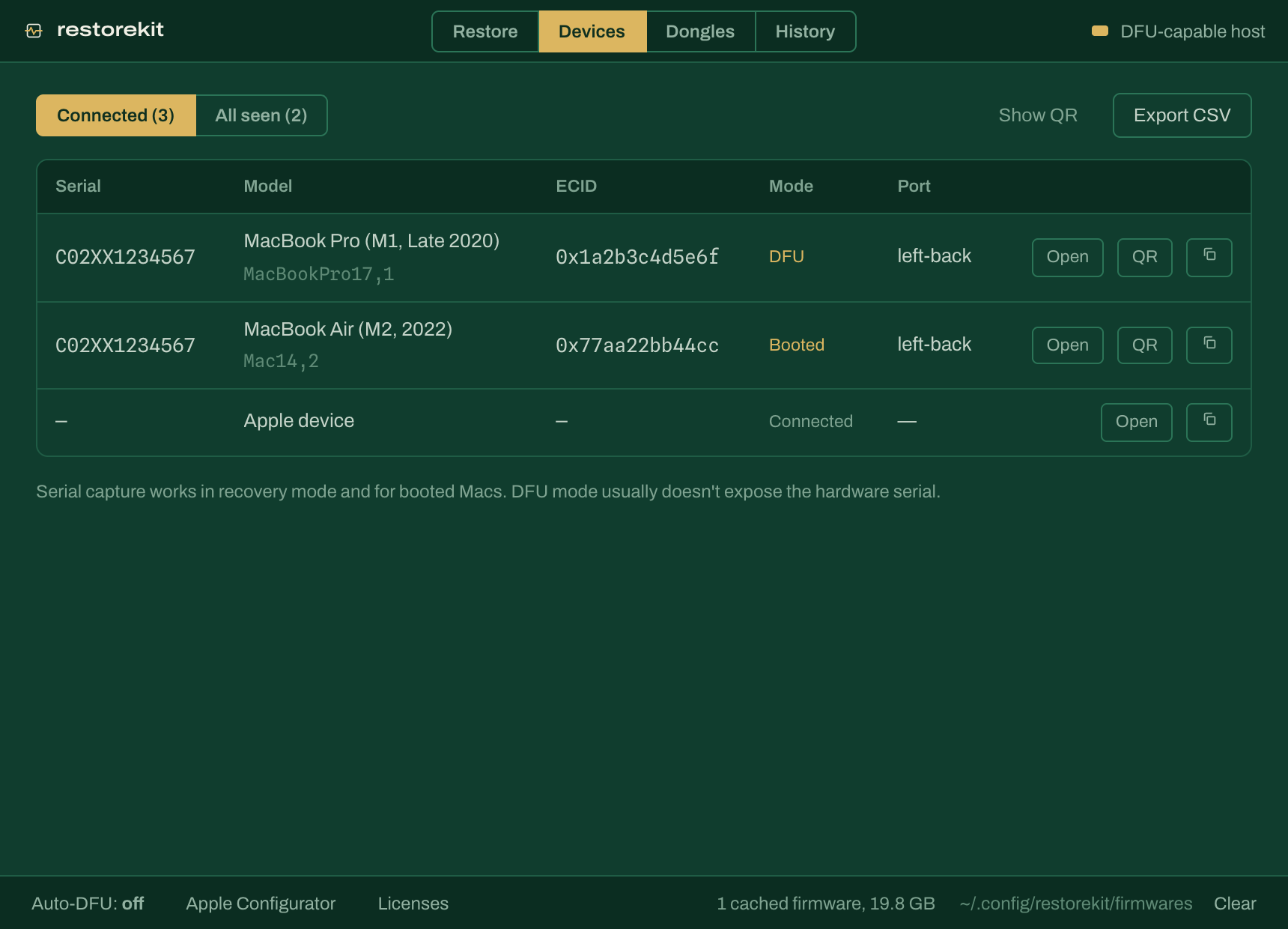
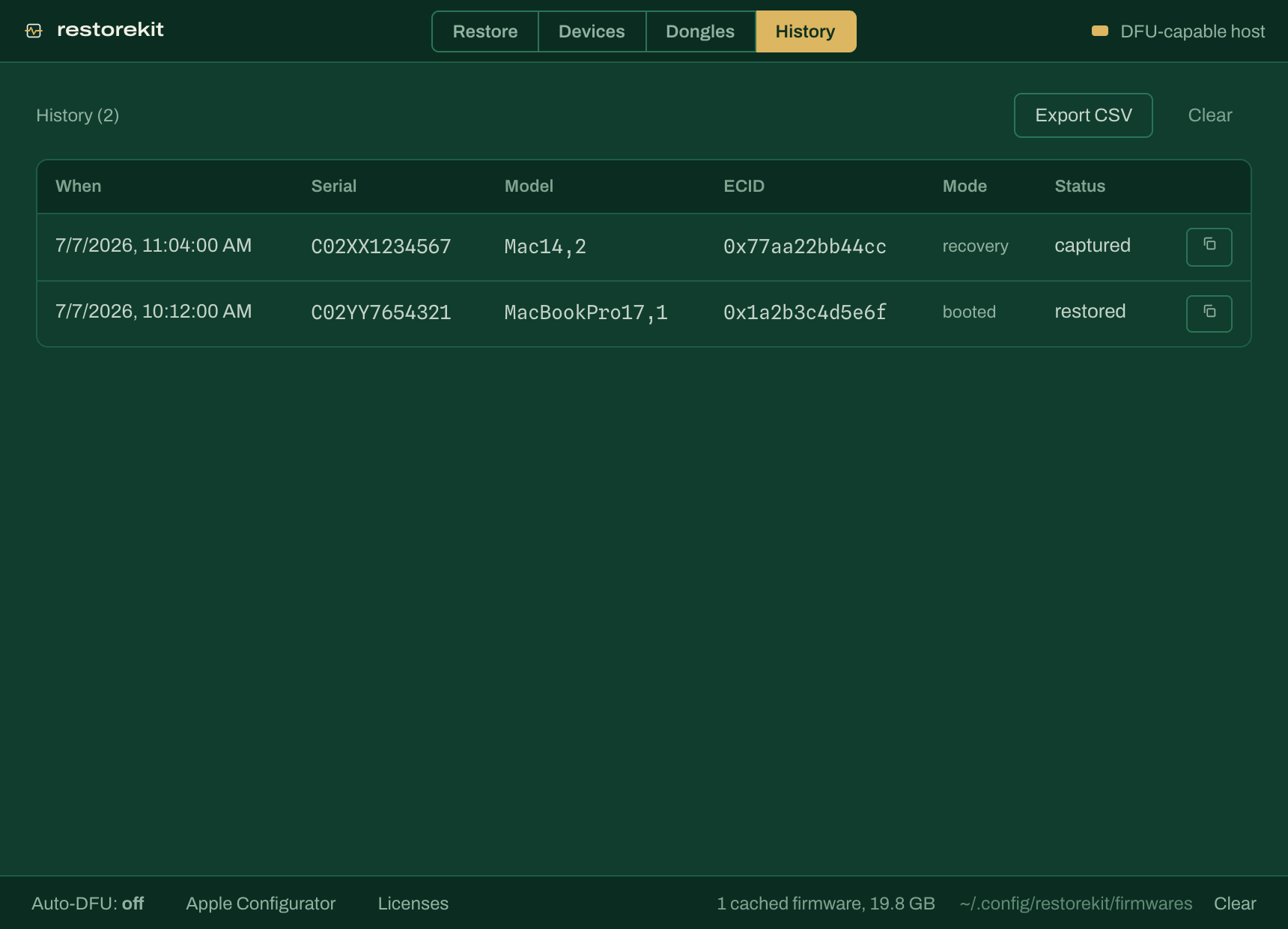
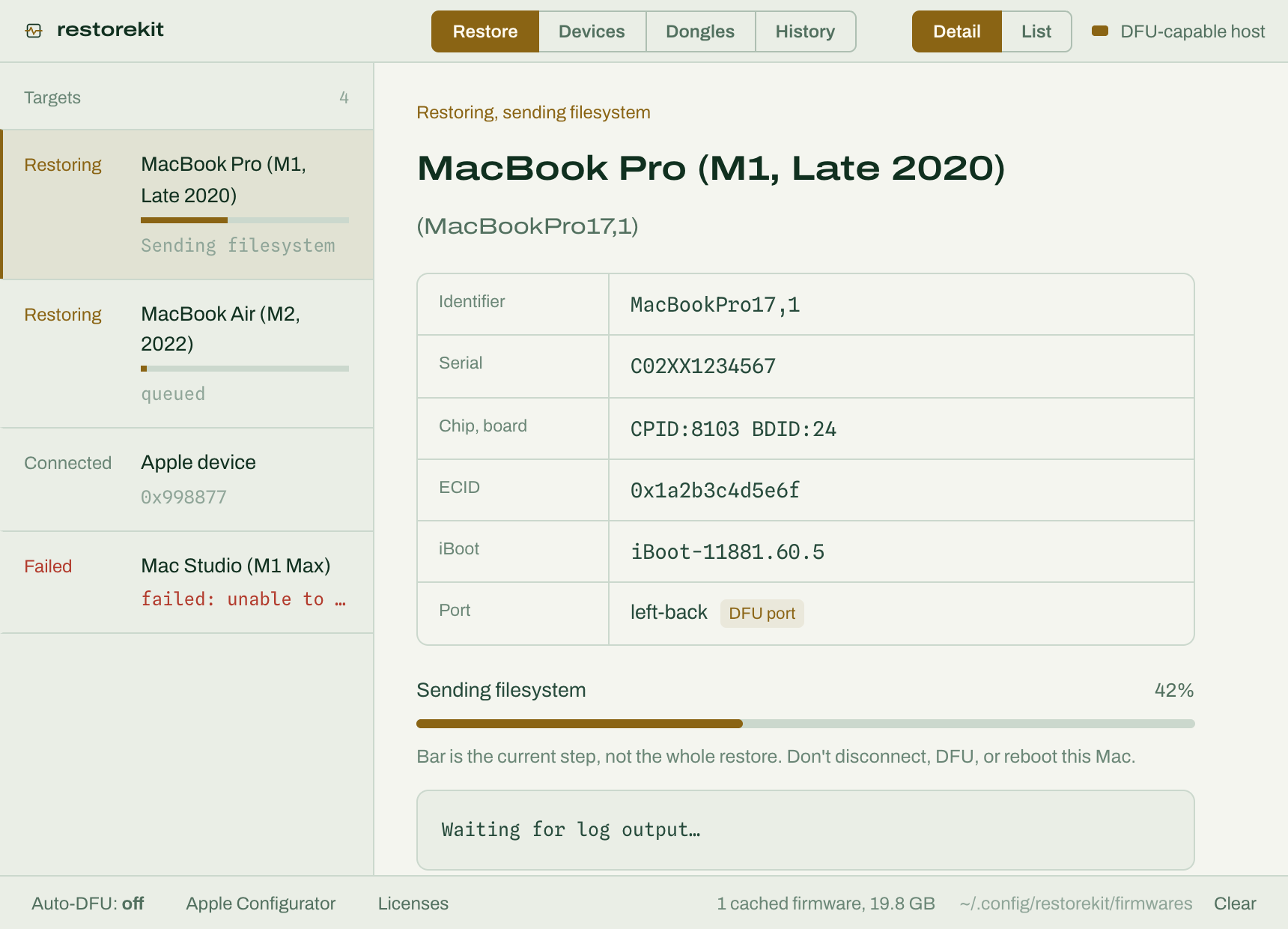
It does everything the cli does. Plug in several macs and it restores them all at once, and it keeps itself updated.
Older builds are on the releases page.
The cli
Run sudo restorekit restore and bam!
--jsonon most commands- Pick a mac with
--ecid - On windows,
restorekit setup-driverbinds WinUSB once - On linux, a udev rule lets you skip
sudo
# wipe and reinstall the latest signed macOS
$ sudo restorekit restore

# pick one of several connected Macs
$ sudo restorekit restore --ecid 0xc60a812345678

# no prompts, for scripts
$ sudo restorekit restore --yes

# just flip the target into DFU (macOS hosts)
$ sudo restorekit dfu

# or reboot it
$ sudo restorekit reboot

# every command, most with --json
$ restorekit -h
Install
macOS, with Homebrew
$ brew trust fcjr/fcjr
$ brew install fcjr/fcjr/restorekit-cli
For the desktop app, brew install --cask fcjr/fcjr/restorekit
Windows, with Scoop
$ scoop bucket add fcjr https://github.com/fcjr/scoop-fcjr
$ scoop install restorekit-cli
$ restorekit setup-driver
The desktop app is on the releases page.
Linux, with Snap
$ sudo snap install restorekit-cli
$ sudo restorekit-cli restore
For the desktop app, run sudo snap install restorekit. The .deb and .AppImage builds are on the releases page.
Building from source compiles a vendored C stack, so read the build guide first.
Use it as a rust crate
The cli and the app are both built on the restorekit crate, so you can build your own tools on it too. Docs are on docs.rs.
let dev = device::wait(device::Target::One, Duration::from_secs(60))?;
let fw = firmware::resolve(dev.identifier().unwrap(), None)?;
let ipsw = firmware::download(&cache, &fw, &mut |event| {
    // render progress however you like
})?;
Open source
The software, firmware and dongle hardware are all in one repo.
Source is Apache-2.0. Linux and windows binaries bundle usbmuxd, so those builds are GPL-3.0.
Sponsor a certified erasure report
A DFU restore already wipes the drive, but certifications like ADISA need paid lab time. If your org needs certified erasure, sponsor the lab time and the report is public for everyone.
